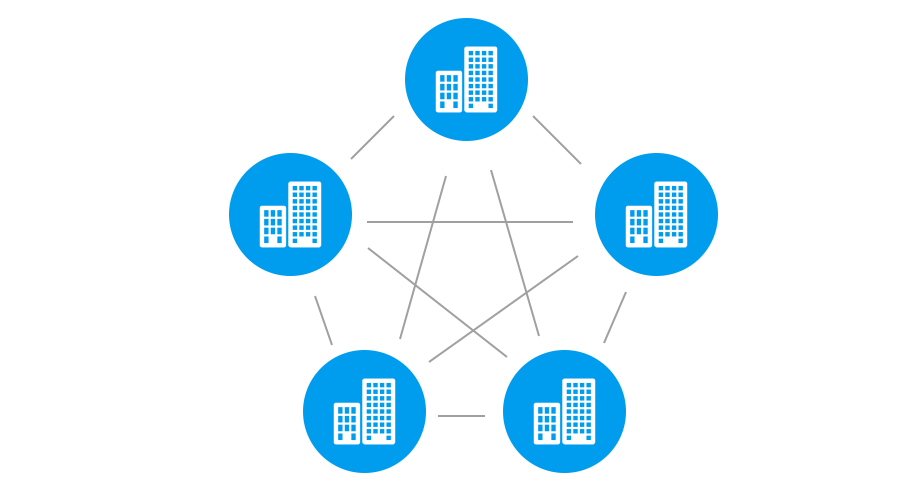

本文记录实际项目中组件的集群改造方案,包括session共享、密钥共享等。
组件集群改造包括以下5点:
- session共享
- RSA密钥共享
- 任务竞争处理
- 通知竞争处理
- 组件封装描述支持集群
session共享方案
通过redis实现多个实例共享用户登录session信息,具体实现如下
- 引入jar包,spring-session-data-redis,2.1.5.RELEASE;
- 配置application-context-common.xml;
1 | <!-- 组件集群时cookie的名称和路径 --> |
- web.xml配置,该过滤器主要负责将tomcat生成的session替换成redis中保存的session。
1 | <!-- 组件集群,设置session共享的过滤器--> |
RSA密钥对共享方案
更新密钥过程:
- 生成密钥对,并进行AES加密;
- 通过redisClient.opsForValue().setIfAbsent()接口写入redis;
- 如果设置失败,说明redis已有密钥对。通过redisClient.opsForValue().get()获取,并重置密钥对到RSA工具类。
加解密过程:
- 获取公钥:触发更新密钥(每隔固定时间去redis同步一次公钥),保证公钥是最新的;
- 直接解密,如果解密失败,更新密钥对重新解密。
如果获取公钥的时候不更新密钥对,解密失败的概率会比较低。比如有ABC三个实例,获取公钥时请求实例A,解密时请求实例B,但redis缓存的密钥对是实例C生成的,这个时候实例B解密失败,更新密钥对后,还是失败。如果获取公钥时请求实例A时,更新密钥对为实例C生成的,解密时请求实例B,更新密钥对也为实例C生成的,解密成功。
1 | private void refreshRsaKeyInfo(){ |
任务竞争处理
同一个业务的定时任务在集群的多个实例中重复执行,可以通过以下方法解决:
执行定时任务之前,先尝试获取分布式锁(缓存值由upm.1.@indexCode生成);
如果成功执行定时任务,执行后释放锁;如果失败,说明其他实例已执行,取消执行。1
2
3
4
5
6
7
8public void excute(){
//执行定时任务之前,先获取锁,并给锁加过期时间5分钟,5分钟之内这个任务不需要再次执行
String lockKey = CacheKeyPrefix.DISTRIBUTED_LOCK.generateKeyWithMark(KeyMark.TIMEDTASK_LOGOUT_EXPIRE_USER, getClass().getName());
if(cacheService.setIfAbsent(lockKey, WebContext.getWebIndexCode(), 5, TimeUnit.MINUTES)){
log.info(*Log.toLog("AutoLogoutPasswordExpireUserTask start..."));
...
}
}
通知竞争处理
集群中的所有实例接受MQ的同一个Topic消息,造成重复执行,可以通过以下方法解决:
在收到通知时,先尝试获取分布式锁,再进行业务处理,执行完后释放锁。1
2
3
4
5
6
7
8
9
10
11
12
13public coid onMessage(TextNotifyMessage message) throws NotifyException{
//获取消息之前先获取锁,获取锁之后,30分钟内MQ消息都由这个实例处理
String lockKey = CacheKeyPrefix.DISTRIBUTED_LOCK.generateKeyWithMark(KeyMark.CONSUMER_PERSON_CHANGE, getClass().getName());
String clientId = WebContext.getWebIndexCode();
if(cacheService.setIfAbsent(lockKey, clientId) || StringUtils.equals(clientId, cacheService.getString(lockKey)))){
String data = message.getData();
if(log.isDebugEnabled()){
log.debug(*Log.toLog(*Log.message("PersonChangeEventListener", "mq recv data")), data);
}
EventQueue.petPersonChangeEvent(data);
}
}
重复消费消息存在的问题:消费消息时如果向数据库插入数据,重复消费消息可能会出现重复数据。
组件封装描述支持集群
修改versioninfo.xml1
2
3
4
5
6
7<segment id="upm" type="webapp">
<params>
<param id="proxy.deploy" value="/isupm"/>
<param id="cluster.support" value="true"/>
<param id="proxy.isWebsocket" value="false"/>hexo
</params>
</segment >